Smart Home Electrical Setup: A Complete Guide
Smart home doesn't have to mean ripping out walls. Most homes in Ludhiana can be retrofitted room by room, starting with the switchboard rather than buying a pile of smart bulbs.
Smart switches vs smart bulbs
Smart bulbs are the easiest starting point — no rewiring, just screw one in and pair it with an app. The catch: the physical wall switch has to stay permanently on, which confuses anyone in the house who isn't using the app. Smart switches replace the wall switch itself, so the light still works normally for everyone, and you get app/voice control as an addition rather than a replacement. For a whole-home setup, switches are almost always the better long-term choice.
The neutral wire question
Most smart switches need a neutral wire at the switchboard to power their WiFi radio. Homes wired in the last 10–15 years usually have this; older two-wire switch loops often don't, which is the single biggest blocker to a retrofit. We check for a neutral at your board before recommending switches — it's a five-minute check that avoids buying gear you can't install.
WiFi switches vs hub-based (Zigbee/Z-Wave)
WiFi switches connect straight to your router — simpler setup, no extra hardware, but they add load to your home WiFi and can be slower to respond if your network is congested. Hub-based systems need a central hub but are generally faster, more reliable, and use less power. For a handful of switches, WiFi is fine; for a whole house, a hub is usually worth it.
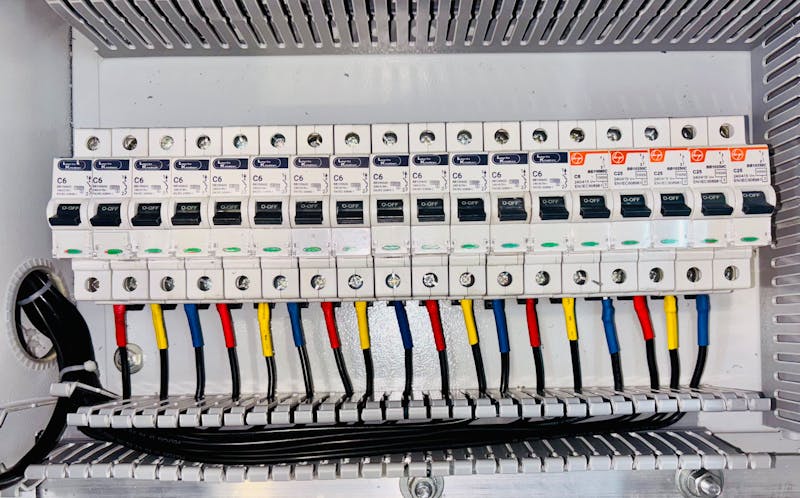
Start with the room you use most — living room or main bedroom — get comfortable with the app, then expand. And always get the switchboard wiring checked by someone qualified before adding smart devices; a loose neutral or bad earth is a safety issue whether or not there's an app attached to it.
Have a related job in mind?
Tell us what you need and we'll quote it.